

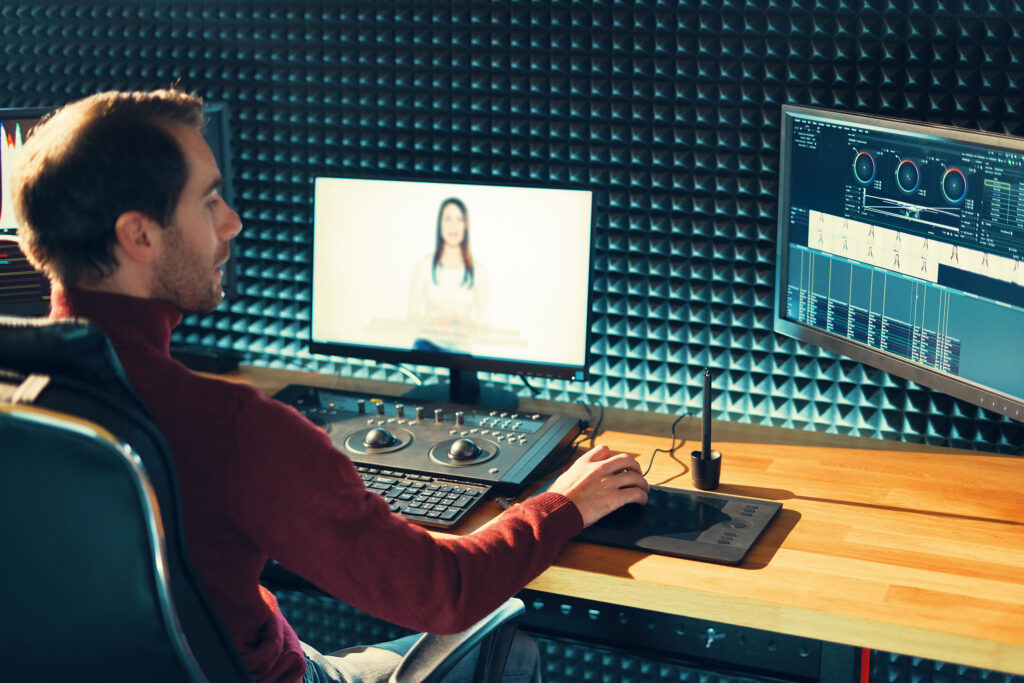
Video content is more popular than ever in 2026. Whether you want to create videos for YouTube, social media, business marketing, or personal projects, learning professional video-making skills can help your content stand out. The good news is that modern tools and technology have made professional-quality video production easier than before.
In this guide, you’ll learn simple steps to create and edit videos like a professional.
Start with a Clear Plan
Before you begin recording, decide what your video is about. A good plan saves time and makes editing easier.
Ask yourself:
- What is the purpose of the video?
- Who is the target audience?
- What message do you want viewers to remember?
Creating a simple script or outline can help keep your content organized and focused.
Use the Right Equipment
You don’t always need expensive cameras. Many smartphones in 2026 can record high-quality videos.
Basic equipment includes:
- A good smartphone or camera
- A tripod for stable shots
- A microphone for clear audio
- Proper lighting
Good audio and lighting often make a bigger difference than having the most expensive camera.
Record High-Quality Footage
When filming, pay attention to:
Lighting
Use natural light or soft artificial lights to avoid dark or blurry footage.
Camera Stability
Keep your camera steady with a tripod or stabilizer to create smooth videos.
Audio Quality
Use an external microphone whenever you can, and record in a peaceful location.
Multiple Shots
Capture different angles and extra footage. These clips can make your final video more engaging.
Choose Professional Editing Software
Many editing tools now offer AI-powered features that make editing faster and easier.
Popular features include:
- Automatic captions
- Background noise removal
- Color correction
- AI-generated transitions
- Smart video resizing for social media
Select software based on your project requirements and skill level.
Organize Your Footage
Before editing, sort your files into folders.
Create separate folders for:
- Video clips
- Audio files
- Music
- Images
- Graphics
Good organization helps you work faster and avoid mistakes.
Focus on Clean Editing
Professional videos are usually simple and easy to follow.
When editing:
- Remove unnecessary pauses
- Cut mistakes and repetitive parts
- Keep the pacing smooth
- Add transitions only when needed
Avoid using too many effects, as they can distract viewers from your message.
Improve Audio Quality
Viewers often forgive average video quality, but poor audio can make them stop watching.
You can improve audio by:
- Reducing background noise
- Balancing volume levels
- Adding background music carefully
- Using clear voice recordings
Always make sure music does not overpower the speaker.
Add Captions and Graphics
Captions help viewers understand your content and increase engagement, especially on social media.
You can also add:
- Titles
- Lower-thirds
- Logos
- Call-to-action graphics
Keep designs clean and easy to read.
Use Color Correction
Color correction helps make your footage look professional and consistent.
Simple adjustments include:
- Brightness
- Contrast
- Saturation
- White balance
Even small improvements can make your videos look more polished.
Optimize Videos for Different Platforms
Different platforms require different formats.
For example:
- Vertical videos for TikTok and Instagram Reels
- Horizontal videos for YouTube
- Square videos for some social media posts
Most modern editing tools can automatically resize videos for multiple platforms.
Keep Learning and Practicing
Professional video creators improve by practicing regularly. Watch successful creators, study editing techniques, and experiment with new tools.
The more videos you create, the better your filming, storytelling, and editing skills will become.
Conclusion
Making and editing videos like a professional in 2026 is easier than ever. With a clear plan, good recording habits, quality audio, and smart editing techniques, anyone can create impressive videos. Focus on delivering value to your audience, keep your edits clean, and continue practicing to improve your skills over time.