

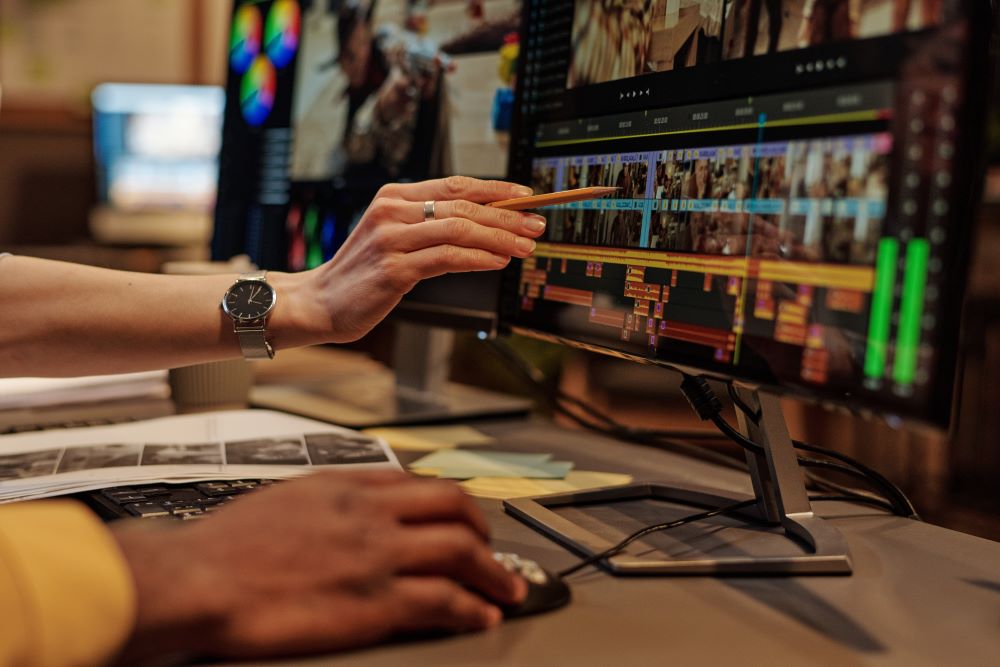
If you are just starting out with video editing, the good news is you don’t need expensive or complicated software. There are many easy video editors available in the US that are perfect for beginners. These tools are simple, user-friendly, and often free or low-cost.
In this blog, we will look at some of the best easy video editors that anyone can start using right away.
- CapCut – Best Overall for Beginners
One of the simplest video editing programs for novices is CapCut.
Why it’s great:
- Very simple drag-and-drop editing
- Free to use
- Built-in music, effects, and templates
- Works on mobile and desktop
Best for: TikTok, Instagram, and YouTube Shorts
If you want something fast and modern, this is one of the best choices.
- iMovie – Best for Apple Users
iMovie comes free on all Apple devices like Mac, iPhone, and iPad.
Why it’s great:
- Extremely easy to learn
- Clean and simple interface
- Good for basic editing like cutting, trimming, and adding music
- Free for Apple users
Best for: Students and beginners on Mac or iPhone
If you use Apple devices, this is one of the easiest places to start.
- Clipchamp – Best for Windows Users
Clipchamp is a beginner-friendly video editor by Microsoft.
Why it’s great:
- Works directly in your browser or Windows PC
- Simple editing tools
- Free version available
- Easy export to social media
Best for: Windows users who want quick editing without downloading heavy software
- Adobe Premiere Rush – Best for Social Media Creators
Adobe Premiere Rush is a simplified version of Adobe Premiere Pro.
Why it’s great:
- Easy timeline editing
- Built-in templates
- Syncs across phone and computer
- Designed for quick content creation
Best for: YouTubers and Instagram creators
It is very beginner-friendly compared to full professional tools.
- DaVinci Resolve – Best Free Pro-Level Editor
DaVinci Resolve is more advanced, but it still has a beginner-friendly learning path.
Why it’s great:
- Completely free version available
- Very powerful editing tools
- High-quality video output
- Used by professionals
Best for: Beginners who want to grow into professional editing
It may feel a bit complex at first, but it is worth learning.
Can I use video editing software on my phone?
Yes, you can easily use video editing software on your phone.
- Yes, mobile video editing apps work very well now
Popular apps:
- CapCut
- InShot
- VN Video Editor
- KineMaster
- Adobe Premiere Rush
What you can do on phone:
- Trim and cut videos
- Add music and text
- Use transitions and effects
- Export in HD quality
Which video editor should I start with?
If you’re starting for the first time, the best video editor to begin with is:
- CapCut
Why CapCut is best for beginners:
- Very easy to learn
- Free to use
- No watermark
- Has templates (you just edit and export)
- Great for TikTok, Reels, YouTube Shorts
Simple comparison:
- CapCut = easiest + powerful
- InShot = very simple but basic
- VN = more advanced but slightly harder
Conclusion
If you are a beginner in the US, the best video editor depends on your needs:
- Want the easiest start? → CapCut
- Using Apple devices? → iMovie
- Using Windows? → Clipchamp
- Making social media content? → Adobe Premiere Rush
- Want professional skills later? → DaVinci Resolve
Start simple, practice often, and you will improve very quickly. Video editing is not hard you just need the right tool and a little practice.