

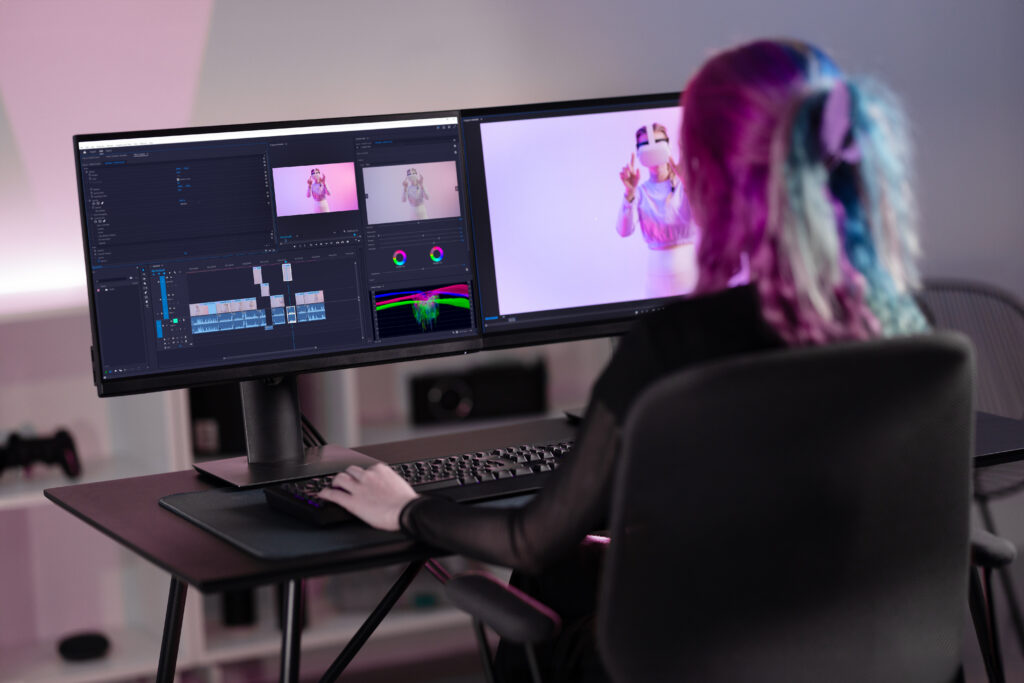
If you’re new to video editing, it might feel confusing at first. So many buttons, tools, and options! But the truth is, you don’t need to learn everything at once. You can start simple and improve step by step.
Here’s an guide to help you begin your video editing journey.
- Start With a Simple Video Editing App
As a beginner, don’t jump into complicated software. Start with easy tools that are made for beginners.
Some good beginner-friendly options:
- CapCut
- InShot
- iMovie (for iPhone users)
- Canva Video Editor
These apps are simple, clean, and easy to understand. You can drag and drop clips, cut parts, and add music without stress.
- Learn Basic Editing First
Before trying advanced effects, focus on the basics:
- Cutting clips – remove unwanted parts
- Trimming – shorten your video
- Adding music – make your video more interesting
- Text & subtitles – explain or highlight things
- Transitions – smooth change between clips
Once you are comfortable with these, everything else becomes easier.
- Practice With Short Videos
Don’t try to edit a long video in the beginning. Start small.
Good practice ideas:
- Edit a 15–30 second clip
- Create a short Instagram Reel or TikTok
- Combine 2–3 clips with music
Short videos help you learn faster and avoid frustration.
- Watch Tutorials (But Keep It Simple)
There are many free tutorials online. But don’t watch too many at once it can confuse you.
Instead:
- Watch one short tutorial
- Try it yourself
- Practice immediately
Learning by doing is the fastest way.
- Use Templates to Save Time
Many apps offer ready-made templates. These are perfect for beginners.
You just:
- Add your clips
- Replace text
- Export the video
It helps you understand how editing works without starting from zero.
- Keep Your First Videos Simple
A common mistake beginners make is adding too many effects.
Avoid:
- Too many transitions
- Loud or random effects
- Over-editing
Simple videos often look cleaner and more professional.
- Practice Regularly
Editing is a skill you improve with practice.
Try:
- Editing a video every day or every few days
- Re-editing old videos to improve them
- Trying new small features each time
Consistency is more important than perfection.
- Don’t Worry About Being Perfect
Your first videos won’t be amazing and that’s completely normal.
Every editor starts from zero. Focus on improving little by little instead of trying to be perfect from the start.
Do I need a powerful computer for video editing?
No, you don’t need a powerful computer to start video editing.
- Beginner editing (YouTube, reels, 1080p videos):
→ A normal laptop or PC is enough - Advanced editing (4K, heavy effects):
→ You need a more powerful computer
Even basic laptops can handle simple editing tasks easily
How long does it take to learn video editing?
It depends, but you can learn the basics quickly.
- Basics (cut, trim, simple edits): 1–2 weeks
- Intermediate (effects, transitions): 1–3 months
- Advanced (professional level): 6–12 months
If you practice daily, you can start making good videos in just a few weeks.
Should I learn advanced editing first?
No, you should NOT start with advanced editing. Advanced editing is confusing if you don’t know the basics.
Better way:
- Start with basic editing (cut, trim, add music)
- Then learn transitions & simple effects
- Move to advanced editing later
Why this works:
- Easier to understand
- Less frustration
- Faster improvement
Conclusion
Starting video editing is easier than you think. You just need the right approach:
- Use simple apps
- Learn basic tools
- Practice with short videos
- Keep things simple
With time and practice, you’ll naturally become better and more confident.