
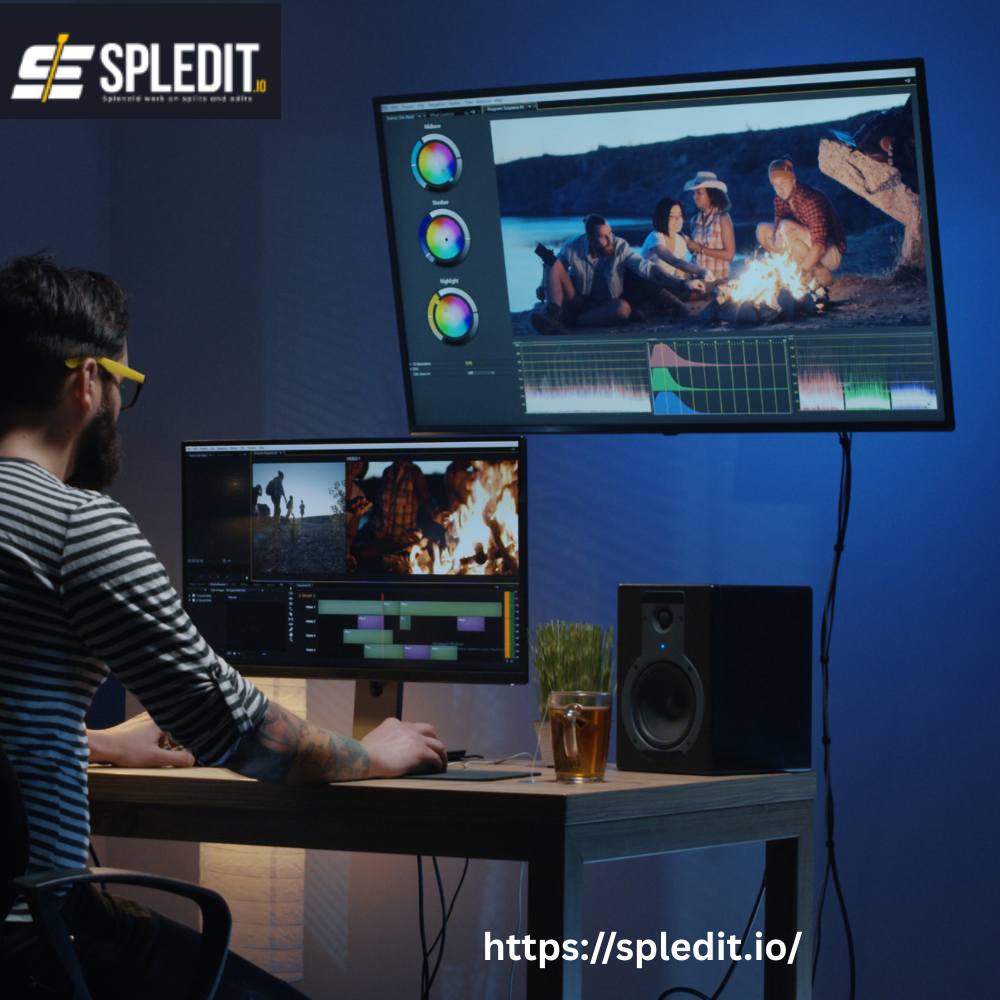
In 2025, creating videos no longer requires expensive software or advanced technical skills. Thanks to free online movie makers, anyone can produce polished, engaging content right from their web browser. Whether you’re making social media clips, personal montages, or business promos, these platforms simplify editing into a few intuitive steps.
Most online movie makers are designed for accessibility. They let you drag, drop, trim, and export videos without downloading anything. For small business owners, students, and creators, that’s a huge advantage — it means less time installing software and more time focusing on creativity.
Some of the most popular free online movie makers in the U.S. today include:
-
Canva Video Editor – Great for templates and quick branded videos.
-
CapCut Online – Offers AI-assisted tools for trimming, transitions, and captions.
-
Clipchamp – A Microsoft-owned platform with a strong balance of features and ease of use.
-
InVideo – Excellent for businesses creating marketing or social videos.
-
FlexClip – Simple, browser-based, and beginner-friendly.
Each has unique strengths, but they all share the same goal: helping users make good-looking videos without complex software.
Still, while these free tools are great for personal or small projects, professionals and brands often move to agencies like Spledit when they need consistent quality, faster turnaround, and more control over storytelling.
Features to Look for in an Online Movie Maker
With dozens of free editors available, it’s important to know what separates a good online movie maker from an average one. Here’s what to look for when choosing the right platform:
1. Easy-to-Use Interface
A clean layout and intuitive controls save you hours of frustration. The best editors let you upload, cut, and rearrange clips quickly without constant tutorials.
2. Template and Asset Libraries
Look for platforms that offer stock videos, royalty-free music, and design templates. These assets can instantly make your video look professional without additional costs.
3. Text, Effects, and Transitions
Good editors provide customizable text overlays, filters, and transitions. These small touches give your video polish and personality.
4. Cloud Storage and Collaboration
Some platforms allow teams to work on the same project from different locations — a big plus for businesses and content creators.
5. Aspect Ratio and Format Options
Your video might need to fit multiple platforms (YouTube, Instagram, LinkedIn). Flexible aspect ratio settings make exporting easy and efficient.
6. AI-Powered Tools
Newer editors now use AI for automatic cutting, subtitle generation, and smart background music matching. These save time and improve pacing for casual editors.
Agencies like Spledit use similar technologies but with a human touch — ensuring your edits don’t just look automated but feel genuinely professional and emotionally effective.
Pros and Cons of Using Browser-Based Movie Makers
Online movie makers have come a long way, but they’re not perfect. Understanding their strengths and limitations helps you decide when they’re enough — and when to upgrade to professional editing.
Pros
-
Accessibility: No software installation needed; everything runs in your browser.
-
Affordability: Most offer free versions with decent editing tools.
-
Ease of Use: Perfect for beginners with drag-and-drop functionality.
-
Cloud Saving: Work from any device, anytime.
-
Speed: Quick edits for short social media or marketing videos.
Cons
-
Limited Advanced Features: Fine-tuned color grading, sound design, and cinematic effects are often missing.
-
Watermarks: Many free plans add logos to exported videos.
-
File Size Restrictions: Some platforms limit upload or export size.
-
Performance Issues: Large or long videos can lag, especially on older computers.
-
Less Creative Control: Templates are great but can make videos feel generic.
If you’re producing content for fun or small projects, free online movie makers are ideal. But for businesses, agencies like Spledit offer greater creative control, ensuring your videos look professional, unique, and consistent with your brand.
Step-by-Step Process to Create a Movie Online
Creating a movie online is easier than most people think. You don’t need advanced software or film school experience — just follow these steps:
1. Choose a Platform
Pick an editor that matches your goals. Canva and CapCut are excellent for social videos, while Clipchamp and InVideo suit more structured projects.
2. Upload Your Footage
Import clips, photos, and music directly from your device. Some platforms also allow direct access to stock libraries for additional visuals.
3. Arrange and Trim Your Clips
Drag and drop your files into the timeline. Trim the start and end of each clip to remove unwanted parts. Keep pacing tight to hold viewers’ attention.
4. Add Text, Captions, and Effects
Use titles to introduce topics and captions for accessibility. Add transitions between scenes, background music, and visual effects to enhance flow.
5. Adjust Color and Audio
If your video looks too dark or sounds uneven, use built-in color correction and volume tools. Small tweaks make a big difference.
6. Preview and Revise
Always watch your full video before exporting. Adjust pacing, fix awkward transitions, and ensure your message is clear.
7. Export and Share
Export your finished video in the right format (MP4 is standard). Then upload it to your website, YouTube, or social channels.
If you’re creating content regularly or for clients, this process can become time-consuming. That’s where Spledit can help — their team handles editing, sound, and motion design so you can focus on filming and strategy instead of spending hours in front of an editor.
Export Quality, File Formats, and Sharing Options Explained
When you’ve finished editing your movie online, the final step — exporting — determines how good your video looks and where it can be shared.
1. Export Quality
Most online movie makers let you choose between 480p, 720p, 1080p, or 4K.
-
720p (HD): Good for web videos and quick uploads.
-
1080p (Full HD): Best for professional-looking website or YouTube videos.
-
4K: Ideal for high-end productions or big screens, though not all free editors support it.
2. File Formats
The most common export format is MP4 (H.264 codec) because it balances quality and file size. Some tools also offer MOV, AVI, or WebM, but MP4 remains the universal choice.
3. Compression and File Size
Most online editors automatically compress your video during export. This makes it easier to upload but can slightly reduce quality. If quality is critical, use a premium export option or let professionals like Spledit handle final rendering for the best results.
4. Sharing and Integration
Free movie makers usually include one-click sharing to YouTube, Facebook, and Instagram. Some also allow direct website embedding, which is great for business owners who want to showcase videos on landing pages or portfolios.
For larger campaigns, Spledit can prepare multiple export versions — for example, square videos for Instagram, widescreen for YouTube, and vertical formats for TikTok — ensuring your content looks perfect everywhere.
When to Move from a Free Movie Maker to a Professional Editor
Free tools are great for learning and creating small projects, but they have limits. If you find yourself spending too much time editing or not getting the quality you want, it’s time to consider professional help.
Here’s when upgrading makes sense:
1. You Need Consistent Brand Identity
Online tools are fine for one-off videos, but maintaining a uniform style across dozens of videos is hard. Agencies like Spledit create brand templates, custom graphics, and unique motion elements to keep every video consistent.
2. You Want Higher Production Value
If your goal is to impress clients, investors, or customers, you need smooth transitions, balanced audio, and cinematic visuals. Professionals have the tools and experience to deliver that polish.
3. You’re Scaling Your Content Output
Creating multiple videos per week? Editing becomes a bottleneck fast. Agencies can handle high volumes while maintaining quality, freeing your time for strategy and content creation.
4. You Need Custom Animation or Complex Editing
Free tools can’t handle advanced effects like green-screen, 3D motion graphics, or professional sound mixing. A dedicated team can.
5. You’re Losing Time Doing It Yourself
Editing is one of the most time-consuming parts of video production. Outsourcing to professionals like Spledit gives you back hours each week to focus on running your business or filming more content.
When you move to professional editing, you’re not just paying for a service — you’re investing in presentation, storytelling, and brand credibility.
Online movie makers have made video creation more accessible than ever. Whether you’re a business owner, creator, or hobbyist, tools like Canva, CapCut, and Clipchamp let you produce engaging videos in minutes. They’re fast, free, and perfect for quick edits or personal projects.
But when you need to elevate your content — when your videos represent your brand, drive sales, or define your image — professional editing makes all the difference.
Agencies like Spledit combine creativity, strategy, and efficiency to deliver videos that look great, perform well, and stay true to your vision. From motion graphics to color grading, they handle everything so you can focus on what matters most: your message.
Frequently Ask Questions
1. What is a movie maker online?
A movie maker online is a browser-based video editor that lets you create and edit videos without downloading software. You can trim clips, add music, effects, and export your video right from your web browser.
2. Are online movie makers really free to use?
Yes, many online movie makers like Canva, CapCut, and Clipchamp offer free versions with basic features. Some platforms include premium upgrades for higher-quality exports or advanced tools.
3. Which online movie maker is best for beginners?
For beginners in the U.S., Canva Video Editor and FlexClip are great options. They’re easy to use, include templates, and don’t require editing experience.
4. Can I make professional videos using free online movie makers?
You can create good-quality videos, but free tools have limits in color grading, sound design, and branding. For professional results, agencies like Spledit provide advanced editing and consistency.
5. Do online movie makers leave watermarks on videos?
Some free versions do. To remove watermarks or access full features, you may need a paid plan — or you can work with a professional editor like Spledit for clean, branded videos.
6. What file formats can I export with online movie makers?
Most platforms export in MP4 format, which works well on all devices and platforms. Some offer MOV, AVI, or WebM, but MP4 remains the most widely supported option.