

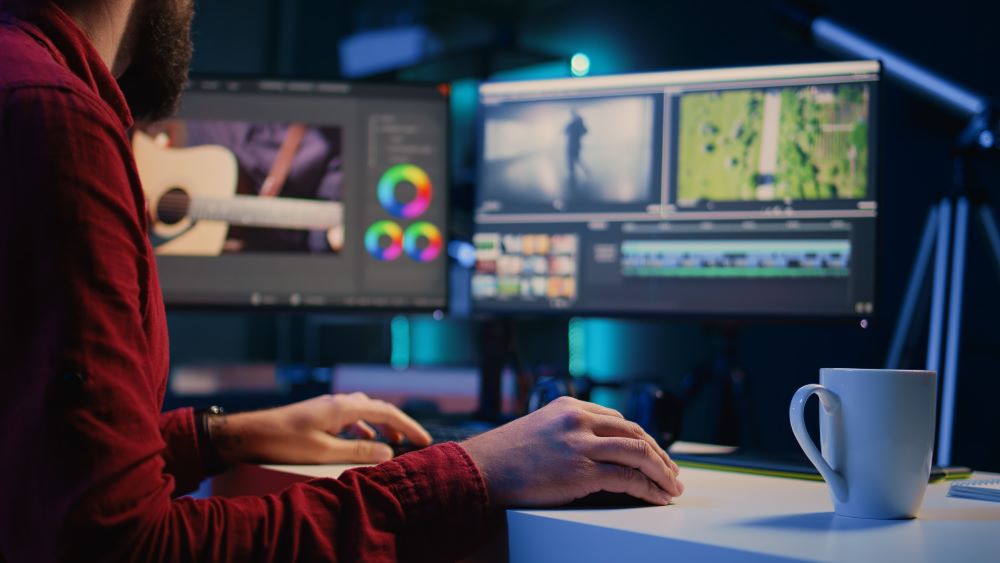
Video editing has become a common skill today, whether for YouTube, social media, marketing, or personal use. But one big question many beginners ask is: Should I use a web video editor or desktop software?
Both options can help you create great videos, but they work in different ways. Let’s understand them:
What is a Web Video Editor?
A web video editor is an online tool that runs in your internet browser. You don’t need to install anything on your computer. You just open a website, upload your video, and start editing.
Key Features:
- Works directly in a browser
- No installation needed
- Accessible from any device
- Often beginner-friendly
What is Desktop Video Editing Software?
A desktop video editor is a program you install on your computer or laptop. It runs offline and usually offers more advanced tools for editing videos.
Key Features:
- Installed on your computer
- Works without internet (in most cases)
- More powerful editing tools
- Used for professional-level editing
Web Video Editor vs Desktop Software
1. Ease of Use
Web video editors are usually much easier to use. They are designed for beginners who want quick results without learning complicated tools.
Desktop software can be harder to learn because it offers more advanced features.
- Performance
Web editors depend on your internet speed and browser. Large video files may take time to upload or process.
Desktop software uses your computer’s power, so it handles heavy editing much better.
- Features
Web editors offer basic features like:
- Cutting and trimming
- Adding text
- Simple transitions
- Filters
Desktop software offers advanced features like:
- Multi-layer editing
- Professional effects
- Color grading
- Audio mixing
- Accessibility
Web video editors are very flexible. You can edit from anywhere, laptop, tablet, or even phone as long as you have the internet.
Desktop software is limited to the device where it is installed.
- Cost
Many web video editors are free or offer basic free plans.
Desktop software often requires a one-time purchase or subscription, especially for professional tools.
Which One Should You Choose?
It depends on your needs:
- If you are a beginner or content creator for social media, a web video editor is a great choice.
- If you want professional-quality videos or advanced editing control, desktop software is better.
Is a web video editor good for beginners?
Yes, a web video editor is actually very good for beginners.
Why it’s good for beginners
- No need to download or install anything
- Easy drag-and-drop editing
- Simple tools like cut, trim, text, and music
- Ready-made templates for fast video creation
- Works directly in your browser (just open and start)
Extra benefits
- Beginner-friendly interface (less confusing than pro software)
- Great for YouTube, TikTok, Instagram videos
- Many tools also include auto captions and AI features
Small downsides
- Needs internet connection
- Some advanced features may be paid
- Not ideal for very professional, heavy editing
Which one is faster: web video editor or desktop software?
Desktop video software is usually faster and more powerful than web video editors.
Desktop software (faster overall)
- Uses your computer’s full CPU + GPU power
- Works offline (no internet delays)
- Handles large and 4K/8K videos better
- Faster exporting and smoother editing
Web video editors (slower but convenient)
- Depends on internet speed
- Runs inside browser, so limited by it
- Good for small/quick edits
- Can feel slow with heavy videos or effects
Conclusion
Both web video editors and desktop software have their own strengths. Web editors are simple and fast, while desktop software is powerful and professional.
If you are just starting out, begin with a web editor. As your skills grow, you can move to desktop software for more advanced editing.