
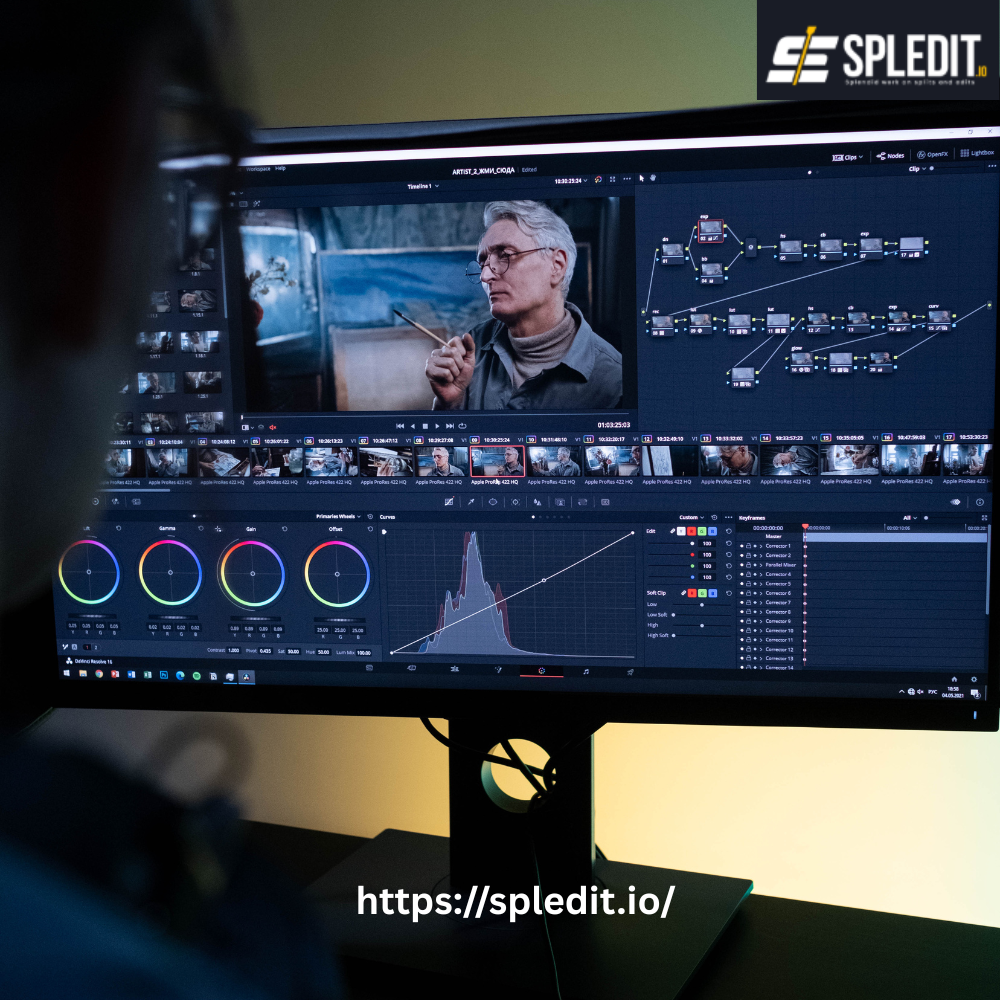
TikTok has become one of the biggest platforms for creativity, storytelling, and brand exposure. Whether you’re a creator, influencer, or business owner, one thing is clear — editing is everything. The way you cut, color, and time your clips can turn an average video into one that goes viral overnight.
That’s where the best TikTok video editors come in. With powerful tools like Spledit, you can create stunning TikTok videos directly from your computer or phone — no complicated setups or expensive equipment required.
Let’s break down what makes a great TikTok editor, which tools to use, and how to edit your videos to capture attention and grow your audience.
1. Why Editing Matters for Viral TikTok Videos
TikTok’s algorithm favors engagement — likes, comments, and replays. A big part of keeping people watching is good editing. Clean cuts, synced audio, smooth transitions, and eye-catching visuals make your content stand out in a sea of endless scrolling. Our Portfolio
Here’s why video editing is crucial for TikTok success:
-
First 3 Seconds Count: Viewers decide almost instantly whether to keep watching. Editing helps you grab attention early.
-
Enhanced Storytelling: Edits add flow and emotion to your clips.
-
Improved Aesthetic Appeal: Filters, text, and transitions make your videos look polished and professional.
-
Algorithm Boost: The more people engage and rewatch your videos, the better TikTok promotes your content.
Apps like Spledit make these improvements easy by offering ready-to-use templates, smooth transitions, and social-friendly export options.
2. Best TikTok Video Editing Apps and Software
There are dozens of editing tools available, but not all of them are optimized for TikTok. Here are the best TikTok video editors that creators in the USA are using right now:
1. Spledit
Spledit stands out as one of the most versatile and easy-to-use editors for TikTok creators. It runs online, meaning you can edit directly from your browser without downloading software.
Key Features:
-
Simple drag-and-drop editing interface
-
Pre-sized TikTok templates (9:16 aspect ratio)
-
Filters, effects, and text animations designed for short-form videos
-
Cloud storage and HD export options
-
Works seamlessly on desktop and mobile
Spledit helps you create professional-quality content faster — perfect for creators who post regularly or manage multiple accounts.
2. CapCut
Owned by ByteDance (the same company behind TikTok), CapCut integrates directly with TikTok for easy uploading. It’s great for mobile users who want a quick edit on the go.
3. InShot
A reliable choice for beginners, InShot offers easy trimming, text overlays, and background music tools for social videos.
4. Adobe Premiere Rush
A lighter version of Adobe Premiere Pro, this tool offers professional editing features with an interface built for quick video creation.
5. Canva Video Editor
Best for branded content or aesthetic storytelling, Canva offers video editing features along with its famous design templates.
Each of these editors offers unique advantages, but Spledit combines the flexibility of browser-based editing with the performance and quality of professional software.
3. Transitions, Filters, and Effects That Trend
TikTok trends evolve quickly, but transitions and filters remain at the heart of engaging content. Viewers love smooth camera moves, glitch effects, and creative cuts that feel effortless.
Here are a few trending editing styles to experiment with:
-
Jump Cuts: Cut between shots instantly for comedic or dramatic effect.
-
Swipe Transitions: Create the illusion of changing scenes with a swipe or spin.
-
Slow-Mo & Speed Ramps: Add drama or emphasis to certain parts of your video.
-
Color Filters: Apply warm, vintage, or neon tones to match your aesthetic.
-
Text Animations: Bold text and captions can highlight key moments or punchlines.
In Spledit, you’ll find a built-in library of these effects and transitions. You can apply them in one click and preview them instantly — saving hours of manual editing.
4. Editing Tips to Boost Engagement and Views
The difference between a good TikTok and a viral TikTok often comes down to editing. Here are a few expert tips to help you capture more views and engagement:
-
Hook Viewers Immediately: Start with your most interesting clip or question in the first two seconds.
-
Use Music Strategically: TikTok trends revolve around sound — sync your cuts to the beat.
-
Keep it Short: Even though TikTok allows up to 10 minutes now, videos under 30 seconds still perform best.
-
Optimize Lighting and Color: Adjust brightness and contrast to make visuals pop.
-
Add Subtitles: Many users watch without sound, so captions increase engagement.
-
Maintain Consistent Branding: Use the same fonts, colors, and filters for brand recognition.
With Spledit, you can automate many of these steps using templates, smart filters, and sound syncing tools. That means less time editing and more time creating.
5. How to Add Music and Text Seamlessly
Music and text overlays play a huge role in TikTok storytelling. The right song or quote can turn an average post into something memorable.
Here’s how to integrate both effectively:
-
Choose Trending Sounds: Browse TikTok’s sound library or upload your own tracks into Spledit.
-
Sync to the Beat: Align transitions or scene changes with rhythm peaks for satisfying flow.
-
Use Text for Emphasis: Highlight dialogue, lyrics, or punchlines with bold typography.
-
Keep It Readable: Choose clear fonts and avoid cluttered backgrounds.
-
Add Motion: Animated text helps guide the viewer’s attention and keeps the energy up.
In Spledit, adding music and text is effortless. You can drag your chosen song into the timeline, trim it, and overlay text in seconds — all while previewing your edits in real time. Our Services
6. Tools for Scheduling and Posting Edited TikToks
Once your video is edited, the next step is timing your upload. Posting at the right time can boost visibility and engagement dramatically.
Here’s how to handle your TikTok posting strategy like a pro:
-
Use Built-in Scheduling Tools: Platforms like Spledit let you schedule posts directly to your TikTok account.
-
Identify Peak Times: For USA audiences, the best times are typically 6–10 PM on weekdays and 11 AM–2 PM on weekends.
-
Post Consistently: TikTok rewards consistent creators — aim for at least 3 posts per week.
-
Analyze Performance: Track engagement metrics to see which edits or styles perform best.
-
Repurpose Content: Edit one long video into multiple short clips using Spledit for more reach.
Scheduling your content helps you stay active without constantly being online. Spledit’s cloud dashboard makes it easy to manage multiple videos, so your posting routine stays organized and efficient.
Creating viral TikTok videos isn’t just about luck — it’s about smart editing, strong visuals, and the right tools.
Whether you’re an aspiring influencer or a growing brand, using the best TikTok video editor can save time and elevate your content quality. Tools like Spledit make the entire process easier by combining powerful editing features with a simple, browser-based interface.
From transitions and filters to scheduled posting, Spledit gives you everything you need to craft engaging TikTok videos that get noticed.
So, if you’re ready to take your TikTok game to the next level, try Spledit — where creativity meets simplicity.
Frequently Ask Questions
1. What makes a TikTok video editor the best?
The best TikTok editor offers easy trimming, trending effects, text overlays, music sync, and smooth transitions to create viral, high-quality content.
2. Can I edit TikTok videos online without downloading an app?
Yes, with tools like Spledit, you can edit TikTok videos directly in your browser — no downloads or complex setups required.
3. Does Spledit support TikTok aspect ratios and formats?
Absolutely. Spledit provides templates and export settings optimized for TikTok’s 9:16 vertical video format.
4. How can I add music and captions to my TikTok videos?
Using editors like Spledit, you can easily add background music, captions, and text animations synced perfectly with your video content.
5. Are TikTok video editors free to use?
Many offer free plans with basic features. Spledit provides a free version with essential tools and optional upgrades for advanced editing.
6. What are some tips for making TikTok videos go viral?
Use trending sounds, add creative transitions, keep videos under 30 seconds, and edit consistently with tools like Spledit to boost engagement.