

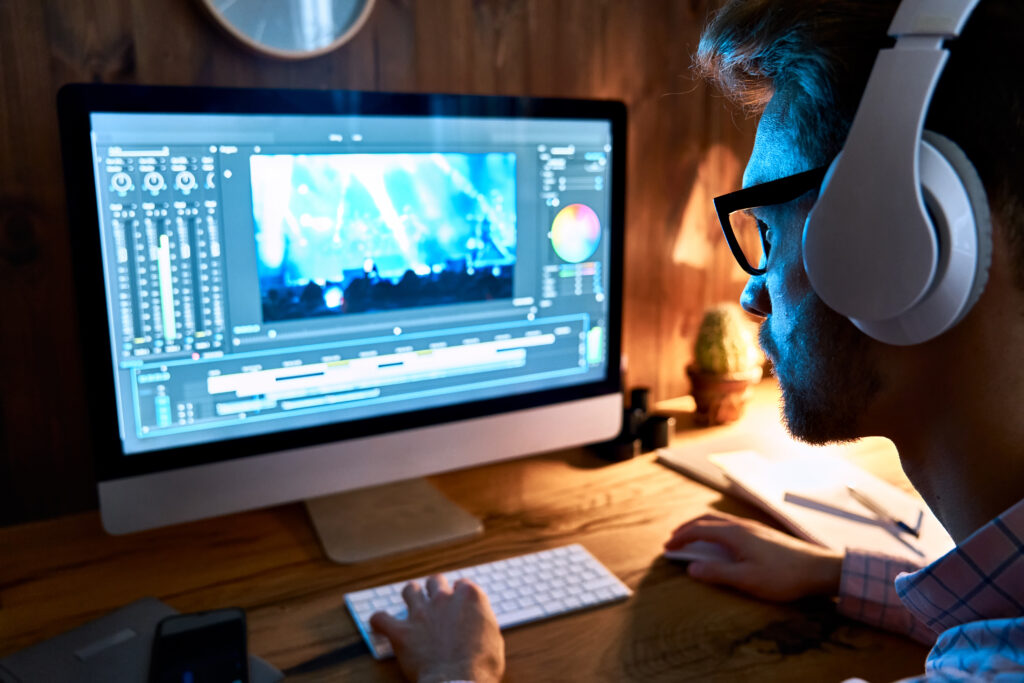
Creating high-quality content is more important than ever. Whether you make YouTube videos, social media clips, podcasts, or business content, good editing can make a huge difference. Clear visuals and clean sound help keep viewers interested and make your content look professional.
But with so many editing tools available, choosing the right video and sound editor can be confusing. In this guide, we’ll look at some of the best options and what makes them stand out.
Why Good Editing Matters
Even if you have great ideas, poor video or audio quality can make people stop watching. Editing helps you:
- Remove mistakes and unwanted parts
- Improve video quality
- Add music, effects, and transitions
- Make audio clearer and easier to hear
- Create a more professional final product
Using the right editing software can save time and improve your content significantly.
Best Video Editors for High-Quality Content
1. Adobe Premiere Pro
Adobe Premiere Pro is one of the most popular video editing programs in the world. Many professional creators and filmmakers use it.
Benefits:
- Advanced editing features
- Supports high-resolution videos
- Excellent color correction tools
- Works with other Adobe products
Best For: Professional creators and experienced editors.
2. Final Cut Pro
Final Cut Pro is a powerful editing software designed for Mac users.
Benefits:
- Fast performance
- User-friendly interface
- Professional editing tools
- Great for high-quality video production
Best For: Mac users who want professional results.
3. CapCut Desktop
CapCut Desktop has become very popular among content creators because it is simple and effective.
Benefits:
- Easy to learn
- Free and affordable options
- Built-in effects and templates
- Good for social media content
Best For: Beginners and social media creators.
4. DaVinci Resolve
DaVinci Resolve offers professional-level features and a powerful free version.
Benefits:
- Excellent color grading tools
- Audio and video editing in one platform
- High-quality exports
- Free version available
Best For: Creators who want advanced features without paying a high cost.
Best Sound Editors for High-Quality Content
1. Adobe Audition
Adobe Audition is one of the best tools for audio editing and sound improvement.
Benefits:
- Noise reduction tools
- Professional audio editing
- Podcast and voice-over support
- High-quality sound enhancement
2. Audacity
Audacity is a free audio editor that is easy to use and powerful enough for many creators.
Benefits:
- Completely free
- Simple interface
- Audio recording and editing
- Noise removal features
3. Reaper
Reaper is a professional audio editing software that offers advanced features at an affordable price.
Benefits:
- Flexible editing tools
- Supports multiple audio tracks
- Lightweight and fast
- Great value for money
Should You Use Separate Video and Audio Editors?
Many creators use separate tools for video and audio editing because it provides better control over sound quality. However, software like DaVinci Resolve includes both video and audio editing features, making it a convenient all-in-one solution.
If audio quality is extremely important, such as for podcasts or interviews, using a dedicated audio editor can help achieve better results.
How to Choose the Right Editor
When selecting a video or sound editor, consider:
- Your skill level
- Your budget
- The type of content you create
- Computer performance requirements
- Features you need most
Beginners may prefer CapCut or Audacity, while professionals often choose Adobe Premiere Pro, Adobe Audition, or DaVinci Resolve.
Conclusion
The best video and sound editor depends on your needs and experience level. For professional-quality content, Adobe Premiere Pro and Adobe Audition are excellent choices. For creators looking for a free but powerful solution, DaVinci Resolve and Audacity are strong options. If you want something simple and beginner-friendly, CapCut Desktop is worth considering.
Choosing the right editing software can help you create cleaner videos, better sound, and a more professional experience for your audience.