

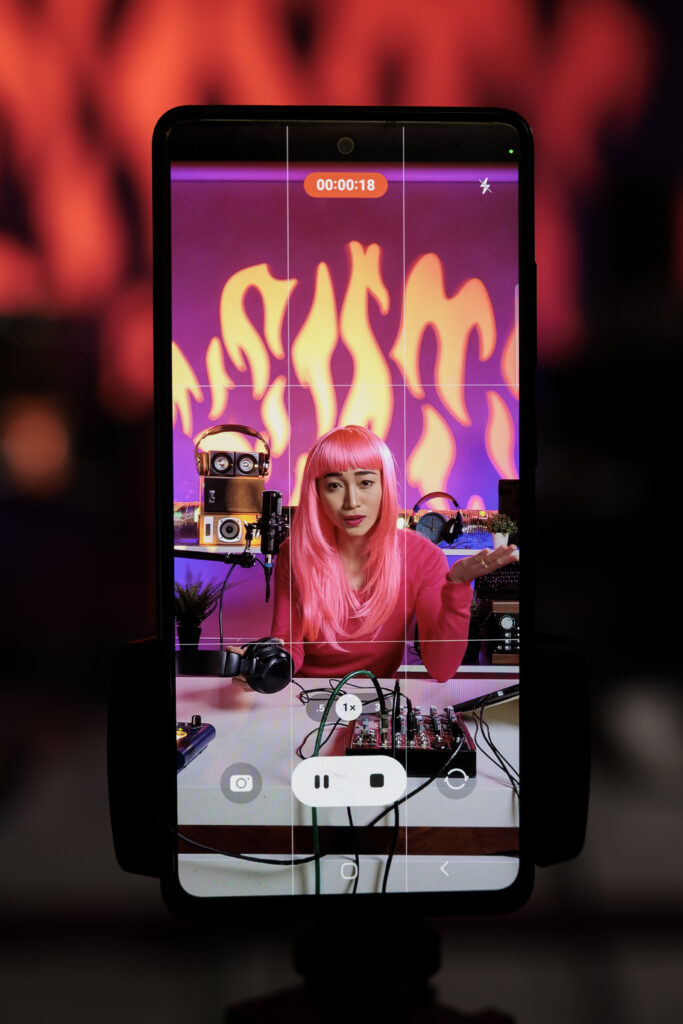
If you want to grow on TikTok, your content quality matters a lot. Good ideas are important, but editing is what makes your videos stand out and keeps people watching till the end. A well-edited video can turn a simple clip into something viral.
So the big question is: Which editing app is best for TikTok?
Let’s break it down.
- CapCut – Best Overall Editing App for TikTok
CapCut is widely used by TikTok creators because it makes editing simple and supports the kind of short, engaging videos that perform well on the platform.
Why it’s best:
- Free to use
- Easy for beginners
- Directly linked with TikTok
- Trending templates already available
- Auto captions, effects, and transitions
Best for:
- Viral TikTok edits
- Trend-based videos
- Quick editing without stress
If you’re just starting or want fast viral content, CapCut is the safest and strongest choice.
- InShot – Simple and Easy Editing
InShot is another beginner-friendly app.
Why people use it:
- Very simple interface
- Good for trimming, cutting, and merging clips
- Music and text options are easy to use
- Works well for Instagram and TikTok both
Best for:
- Basic edits
- Clean and simple videos
- Beginners who don’t want complicated tools
It’s not as advanced as CapCut, but it gets the job done quickly.
- VN Video Editor – For More Control
VN Video Editor is a great option if you want more control over your edits without paying.
Why it’s good:
- Free advanced editing tools
- Multi-layer editing
- Smooth transitions
- No watermark
Best for:
- Semi-professional TikTok creators
- Cinematic edits
- Story-based videos
If you want your content to look more “pro,” VN is a solid choice.
- KineMaster – Powerful but Slightly Advanced
KineMaster is a powerful editing app used by many content creators.
Features:
- Multiple layers of video and audio
- Advanced effects and transitions
- Green screen support
- High-quality export
Best for:
- Experienced editors
- Complex TikTok edits
- Creative storytelling videos
The only downside is that it takes time to learn.
- Adobe Premiere Rush – Professional Feel
Adobe Premiere Rush is a simpler version of Adobe Premiere Pro.
Why use it:
- Clean professional interface
- Cloud syncing across devices
- Good color and audio tools
Best for:
- Creators who want a professional touch
- Brand content
- High-quality TikTok videos
Final Verdict: Which One Should You Choose?
- Best for beginners & viral trends: CapCut
- Best for simple edits: InShot
- Best free pro editing: VN Video Editor
- Best advanced mobile editing: KineMaster
- Best professional workflow: Adobe Premiere Rush
Simple Truth About Going Viral
No app alone makes a video viral. What really matters is:
- Strong hook in first 3 seconds
- Trending sounds
- Short and engaging clips
- Clean editing (no unnecessary cuts)
- Consistency in posting
The editing app just helps you present your idea better.
Conclusion
Choosing the right editing app can make a big difference in how your TikTok videos look and perform. Apps like CapCut, InShot, VN Video Editor, KineMaster, and Adobe Premiere Rush all offer different features depending on your skill level and editing style. But remember, the app is just a tool. What really creates viral content is your creativity, consistency, and how well you understand trends and your audience. Even a simple video can go viral if the idea is strong and the editing keeps people engaged.
So start with an easy app, keep practicing, and focus more on storytelling than perfection. Over time, your editing skills and content quality will naturally improve and that’s what leads to real growth on TikTok.