

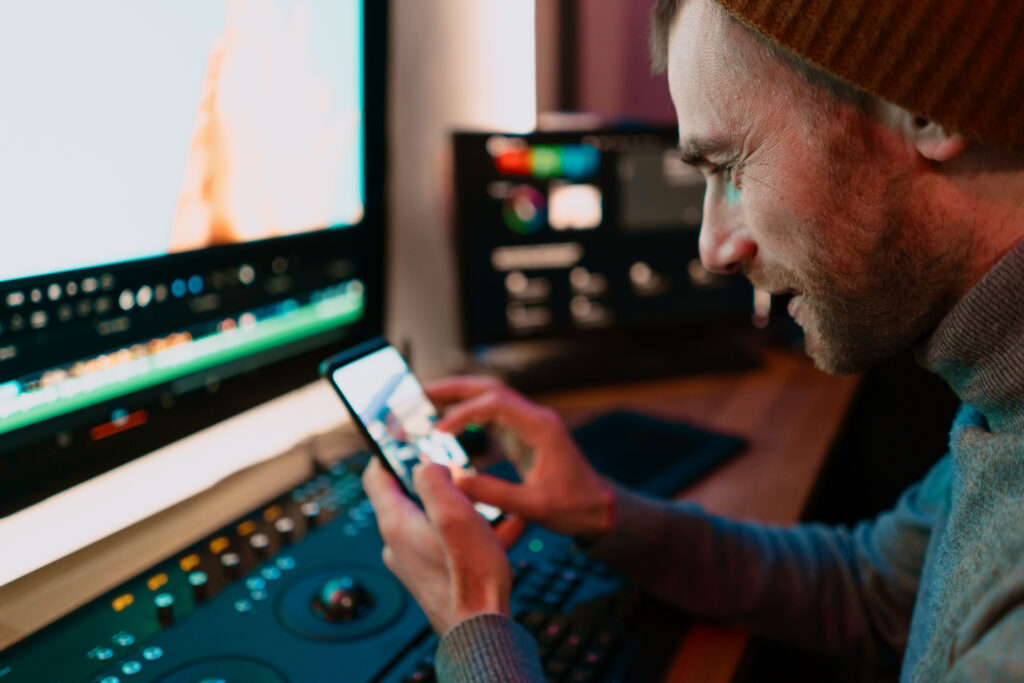
Video editing is no longer something you can only do on a computer. Today, many people create videos directly from their phones while traveling, working, or even relaxing at home. Whether you are making social media reels, YouTube shorts, travel videos, or business ads, having the right video editing app can save you a lot of time.
But with so many apps available, choosing the best one can feel confusing. Some apps are simple and beginner-friendly, while others offer professional tools for advanced editing.
In this blog, we will look at some of the best video apps for quick edits on the go and help you choose the right one for your needs.
Why Mobile Video Editing Apps Are Popular
Mobile editing apps are becoming more popular because they are fast and easy to use. You can record, edit, and upload videos from the same device within minutes.
People like these apps because they offer:
- Quick editing tools
- Easy drag-and-drop features
- Music and effects
- Text and transitions
- Fast exporting for social media
- Editing from anywhere
These apps are especially useful for content creators, marketers, students, and small business owners.
CapCut – Best for Social Media Videos
CapCut is one of the most popular apps for quick editing. It is simple to use and works very well for TikTok, Instagram Reels, and YouTube Shorts.
Features
- Ready-made templates
- Smooth transitions
- Auto captions
- Trending effects and filters
- Music library
Best For
Beginners and social media creators who want fast edits without much effort.
InShot – Best for Easy Editing
InShot is known for its clean and simple interface. Even people with no editing experience can learn it quickly.
Features
- Trim and cut videos easily
- Add music and text
- Change video size for social platforms
- Speed controls
Best For
People who want simple editing for personal or business videos.
KineMaster – Best for Advanced Mobile Editing
KineMaster gives more professional editing tools compared to many other mobile apps.
Features
- Multi-layer editing
- Green screen support
- Voiceovers
- Advanced transitions
- Audio editing tools
Best For
People who want better editing control while working directly from their smartphone.
Adobe Premiere Rush – Best for Professional Creators
Adobe Premiere Rush is made for people who want professional-quality editing with an easy workflow.
Features
- Sync across devices
- High-quality exports
- Audio balancing
- Built-in templates
- Professional editing tools
Best For
YouTubers, marketers, and professionals who create content regularly.
VN Video Editor – Best Free Option
VN Video Editor is becoming popular because it offers many advanced features for free.
Features
- No watermark in many exports
- Easy timeline editing
- Smooth transitions
- Text animations
- Speed ramping
Best For
Users who want professional-looking videos without paying for expensive software.
What Should You Look for in a Video Editing App?
Before choosing an app, think about your editing needs.
Easy Interface
Choose an app that feels simple and comfortable to use.
Export Quality
Make sure the app can export videos in good quality for social media or business use.
Editing Tools
Look for features like trimming, transitions, effects, text, and music.
Speed
A good app should edit and export videos quickly without crashing.
Watermarks
Some free apps add watermarks to videos. Check this before choosing.
Which App Is Best Overall?
The best app depends on your goals.
- For quick social media edits: CapCut
- For simple editing: InShot
- For advanced mobile editing: KineMaster
- For professional work: Adobe Premiere Rush
- For free powerful editing: VN Video Editor
There is no single perfect app for everyone. The right choice depends on your editing style, experience, and content needs.
Conclusion
Video editing has become much easier thanks to mobile apps. You no longer need expensive equipment or advanced skills to create good videos. Whether you are a beginner or an experienced creator, there are many apps that can help you edit quickly while on the go.
Start with an app that feels simple to use and slowly explore more advanced features as you improve your editing skills. With practice and the right app, you can create professional-looking videos directly from your phone.