

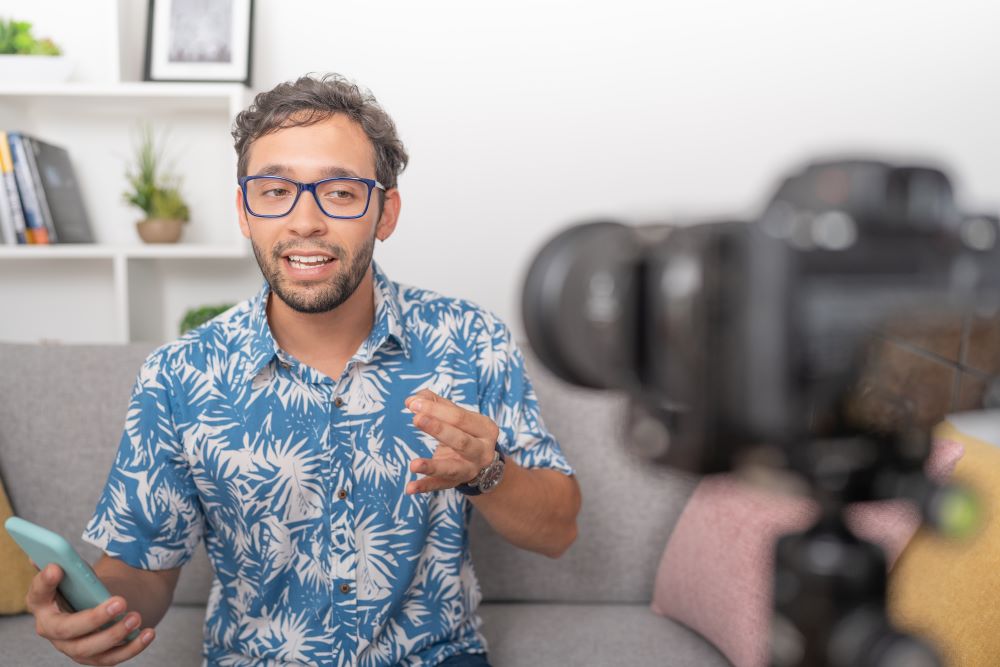
Creating viral content is one of the biggest goals for content creators, businesses, and influencers today. Short videos on platforms like Instagram, TikTok, YouTube Shorts, and Facebook can reach millions of people in just a few hours. The good news is that you do not need expensive equipment or professional editing skills to create viral videos anymore. With the help of a good video creator and editor, anyone can make engaging content that people love to watch and share.
In this blog, you will learn simple and practical ways to create viral content using a video creator and editor.
Understand What Makes Content Viral
Before editing videos, you should understand why some content becomes viral. Viral videos usually have these things:
- They grab attention quickly
- They are short and engaging
- They create emotions like laughter, surprise, or inspiration
- They are easy to share
- They follow current trends
People scroll very fast on social media, so your video must catch attention in the first few seconds.
Start With a Strong Hook
The beginning of your video is very important. If people lose interest in the first 3 seconds, they will skip your video.
A strong hook can be:
- A surprising question
- A shocking fact
- A funny moment
- A problem people relate to
- A bold statement
For example:
- “You are editing videos the wrong way.”
- “This simple trick got me 1 million views.”
- “Most people don’t know this editing secret.”
A good video creator and editor helps you add text, effects, and transitions to make the opening more powerful.
Keep Your Videos Short and Fast
Short videos usually perform better on social media. People prefer quick and entertaining content.
Try to:
- Remove boring parts
- Use quick cuts
- Keep the energy high
- Add movement and transitions
Most viral videos are between 15 seconds and 60 seconds long.
Use Trending Music and Sounds
Trending audio plays a huge role in viral content. Social media platforms often push videos that use popular sounds and music.
Most video editing apps allow you to:
- Add trending music
- Sync clips with beats
- Adjust sound effects
- Add voiceovers
Using the right audio can instantly make your content feel more modern and engaging.
Add Captions and Text
Many people watch videos without sound, especially on Instagram and Facebook. Adding captions helps viewers understand your content even when muted.
Use your video editor to:
- Add subtitles
- Highlight key points
- Use bold text animations
- Make important words stand out
Captions also improve watch time because viewers stay focused on the screen.
Focus on Storytelling
Even short videos should tell a story. A simple structure works best:
- Hook the viewer
- Show the problem or situation
- Give the solution or result
- End with something satisfying or surprising
People enjoy videos that feel complete and easy to follow.
Use High-Quality Visuals
Your video does not need to look like a movie, but it should look clean and clear.
A good video creator and editor can help improve:
- Brightness
- Colors
- Sharpness
- Video quality
- Background noise
Clear visuals make your content look more professional and trustworthy.
Follow Trends but Add Your Own Style
Trends help your videos get discovered, but copying everyone else is not enough. Add your own personality and creativity.
You can:
- Use trending formats
- Add your unique humor
- Share personal experiences
- Use your own editing style
People remember creators who feel different and authentic.
Use Smooth Transitions and Effects
Good editing keeps viewers interested. Simple transitions and effects can make your content more exciting.
However, avoid over-editing. Too many effects can distract viewers. Keep the editing clean and natural.
Useful editing features include:
- Zoom effects
- Slow motion
- Speed ramps
- Text animations
- Motion blur
- Scene transitions
Create Content for Mobile Viewers
Most people watch videos on their phones. That is why vertical videos work best for platforms like TikTok, Instagram Reels, and YouTube Shorts.
Use a video editor that supports:
- Vertical format (9:16)
- Mobile-friendly editing
- Social media export settings
This helps your content look perfect on every screen.
Post Consistently
Going viral is not always about one perfect video. Consistency matters a lot. Many successful creators posted hundreds of videos before getting viral.
Keep testing:
- Different topics
- Editing styles
- Video lengths
- Hooks
- Captions
The more content you create, the more you learn what works.
Study Your Analytics
Most social media platforms provide analytics. Check:
- Watch time
- Shares
- Likes
- Comments
- Audience retention
If people stop watching after a few seconds, improve your hook. If viewers share your content often, make similar videos again.
Analytics help you understand your audience better.
Use Calls to Action
Encourage viewers to interact with your video. Simple calls to action can increase engagement.
Examples:
- “Comment your opinion below.”
- “Share this with a friend.”
- “Follow for more tips.”
- “Save this video for later.”
More engagement increases the chances of your content reaching more people.
Best Features to Look for in a Video Creator and Editor
A good video editing tool should include:
- Easy drag-and-drop editing
- Music library
- Text and subtitle tools
- Filters and effects
- HD export
- Social media templates
- AI editing features
These tools save time and help beginners create professional-looking videos easily.
Conclusion
Creating viral content is not just about luck. It is about understanding people, following trends, and using smart editing techniques. A powerful video creator and editor can help you turn simple ideas into engaging videos that attract attention online. You do not need to be a professional editor to succeed. With creativity, consistency, and the right editing tools, anyone can create content that people love to watch and share.
The most important thing is to keep creating, keep learning, and keep improving your videos over time.