

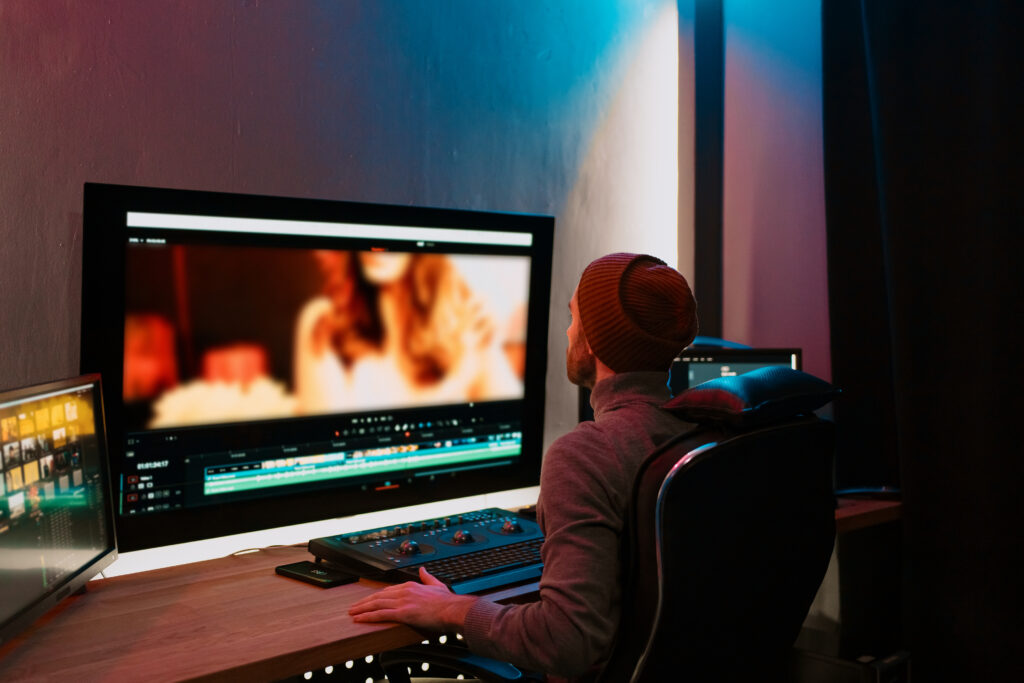
If you’re thinking about film editing, one question comes up a lot: what software do professionals actually use? The answer is simple there isn’t just one. Different editors choose different tools depending on their work, style, and budget.
Let’s break it down:
Top Film Editing Software Used by Professionals
1. Adobe Premiere Pro
This is one of the most popular editing tools in the world.
Why professionals use it:
- Easy to learn compared to others
- Works smoothly with other Adobe apps like After Effects
- Great for YouTube, films, ads, and social media
Best for: Beginners to advanced editors who want flexibility
- Final Cut Pro
This software is made by Apple and only works on Mac.
Why professionals use it:
- Very fast and smooth performance
- Clean and simple interface
- Perfect for content creators and filmmakers
Best for: Mac users who want speed and simplicity
- DaVinci Resolve
This is a powerful tool used in real Hollywood films.
Why professionals use it:
- Best color grading (color correction) tools
- Free version is very powerful
- All-in-one: editing, effects, audio
Best for: Serious editors and filmmakers
- Avid Media Composer
This is a classic tool used in big-budget movies and TV shows.
Why professionals use it:
- Industry standard for Hollywood films
- Handles large projects easily
- Very reliable for teamwork
Best for: High-end film and TV production
So, Which One Is the Best?
Here’s the honest answer:
- For beginners: Adobe Premiere Pro
- For Mac users: Final Cut Pro
- For advanced editing + color: DaVinci Resolve
- For Hollywood-level projects: Avid Media Composer
There’s no single “best” software it depends on your needs.
Do professionals use free editing software?
Yes, professionals do use free editing software, but it depends on the situation.
When professionals use free software
Many editors use free tools when:
- They are just starting out
- They need to do quick edits
- They are working on small projects (like social media videos)
- They want to test ideas fast
For example, tools like DaVinci Resolve (free version) are actually very powerful. Even some professional editors use it because it offers advanced features like color correction and effects.
Apps like CapCut are also popular for creating short videos, especially for TikTok or Instagram.
When professionals don’t use free software
For big projects like:
- Movies
- TV shows
- High-budget ads
Professionals usually prefer paid software like Adobe Premiere Pro or Final Cut Pro because:
- They have more advanced tools
- They work better with teams
- They offer better support and plugins
Do I need a powerful computer?
No, you don’t always need a powerful computer.
- For basic editing (short videos, reels), a normal PC works fine with tools like CapCut.
- For heavy editing (4K videos, effects), you’ll need a stronger computer, especially for software like Adobe Premiere Pro.
Start simple, upgrade later if needed.
Can I become a professional with just one software?
Yes, you can become a professional with just one software.
Many editors build their careers by mastering a single tool like Adobe Premiere Pro, Final Cut Pro, or DaVinci Resolve.
Why one software is enough
- Most editing tools have all the features you need
- Clients care about your skills, not the software
- Mastering one tool makes you faster and more confident
But keep this in mind
- Learning basics of other tools (like After Effects) can help later
- Different projects sometimes require different software
Conclusion
If you’re just starting, don’t overthink it. Pick one software and start learning. Most professionals didn’t start with expensive tools they learned step by step.
A good choice for beginners is DaVinci Resolve (free) or Adobe Premiere Pro, because they are powerful and widely used.