

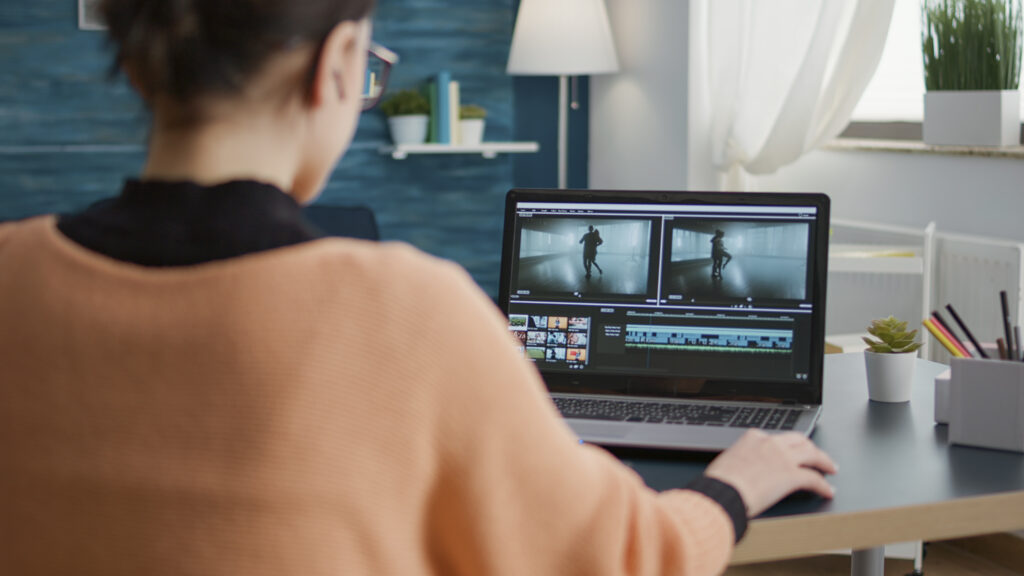
Video content has become one of the easiest ways for small businesses to attract customers. Whether it’s for social media ads, product videos, or simple promotions, good videos can help your business grow. But the big question is: what is the easiest video editing software to use?
The good news is you don’t need advanced skills or expensive tools. There are several beginner-friendly video editors that are perfect for small businesses.
- Canva (Best for Absolute Beginners)
Canva is one of the easiest tools for beginners.
It started as a design tool, but now it also offers simple video editing features. You can drag and drop clips, add text, music, and animations in just a few clicks.
Why small businesses love it:
- Very simple drag-and-drop system
- Ready-made video templates
- Works directly in your browser
- Great for social media posts and ads
If you are completely new to editing, Canva is one of the best starting points.
- CapCut (Best for Social Media Videos)
CapCut is very popular among small businesses, especially for TikTok, Instagram Reels, and YouTube Shorts.
It offers powerful features but keeps things simple.
Why it’s useful:
- Easy trimming and cutting tools
- Built-in trending effects and filters
- Auto captions and text tools
- Free to use
If your business focuses on social media marketing, CapCut is a strong choice.
- iMovie (Best for Apple Users)
iMovie comes free with Apple devices like MacBooks and iPhones.
It’s simple but still powerful enough for professional-looking videos.
Why people like it:
- Clean and simple interface
- Smooth editing experience
- Built-in music and templates
- Perfect for beginners on Apple devices
If you already use Apple products, iMovie is a very easy option.
- Adobe Express (Best for Quick Marketing Videos)
Adobe Express is designed for fast and simple content creation.
It helps small businesses create short promotional videos without complicated editing.
Key benefits:
- Pre-made templates for ads and promos
- Easy text and branding tools
- Works online no installation needed
- Good for marketing content
Can I edit videos for my business for free?
Yes, you can absolutely edit videos for your business for free.
There are many free tools in 2026 that let you create professional-looking videos without paying.
Best free options:
- CapCut – very easy for social media and ads
- DaVinci Resolve – professional-level editing (completely free)
- Canva – simple drag-and-drop videos for marketing
- Clipchamp – quick online editing, good for beginners
Do I need a powerful computer to edit videos?
Not always. You only need a powerful computer if you’re doing heavy or professional editing, not for basic business videos.
When a normal computer is enough:
You can edit smoothly if you’re doing:
- Social media videos (Reels, TikTok, YouTube Shorts)
- Simple cuts, text, transitions
- Using tools like or
- 1080p videos (standard quality)
A basic laptop with 8GB RAM can handle this.
When you need a powerful computer:
You’ll need stronger specs if you’re:
- Editing 4K videos
- Doing heavy effects or color grading
- Using professional software like at full capacity
- Working with long videos or multiple layers
Simple rule:
- Basic business videos → normal laptop is fine
- Professional filmmaking → powerful PC is better
Can small businesses create professional videos without hiring editors?
Yes, small businesses can create professional videos without hiring editors. Using tools like and they can easily make ads, promos, and social media videos with templates and simple editing.
No editor needed for basic marketing videos, just good content and the right tool.
Conclusion
For small businesses, the “best” video editor depends on your needs:
- Total beginners: Canva
- Social media focus: CapCut
- Apple users: iMovie
- Marketing content quickly: Adobe Express
You don’t need expensive or complicated software to create great videos. Start simple, stay consistent, and focus on telling your business story clearly.