

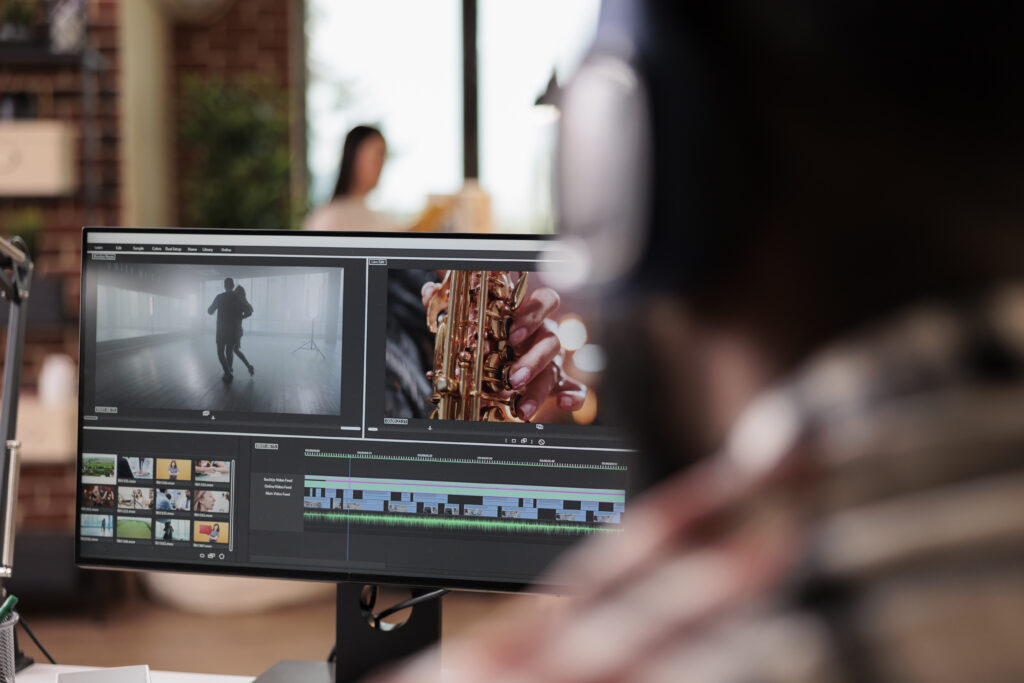
In 2026, making videos will become very easy. You don’t need heavy software or a powerful computer anymore. You can edit videos directly in your browser using online video editors. These tools are built for speed, simplicity, and beginners who want quick results.
If you are a YouTuber, student, business owner, or social media creator, online editors can save you a lot of time.
Let’s look at the best online video editing software for fast video creation in 2026.
- CapCut (Best for Fast Social Media Videos)
CapCut is one of the most popular tools for quick video editing. It is perfect for TikTok, Instagram Reels, and YouTube Shorts.
Why people like it:
- Very easy drag-and-drop editing
- Auto captions and smart AI tools
- Ready-made templates for fast editing
- Works on browser, mobile, and desktop
CapCut is best if you want to create trendy, short videos quickly without learning complex editing.
- Clipchamp (Best for Beginners on PC)
Clipchamp is a simple online editor owned by Microsoft. It is great for people who want clean and basic video editing.
Why it stands out:
- Easy interface with timeline editing
- Free export up to 1080p
- Screen recording and webcam tools
- No watermark in free version (basic use)
It is a good choice for students, office users, and beginners.
- Canva Video Editor (Best for Templates)
Canva is not only for graphics it also has a powerful video editor for simple projects.
Why it’s useful:
- Thousands of ready-made templates
- Drag-and-drop editing
- Great for business videos and presentations
- Very beginner-friendly
Canva is best if you want stylish videos fast without editing skills.
- VEED.io (Best for Subtitles and AI Tools)
VEED.io is a browser-based editor that focuses on smart features like captions and AI editing.
Why people use it:
- Auto subtitles and translations
- Easy trimming and cutting
- AI tools for fast editing
- Good for marketing videos
It is ideal for content creators who want polished videos quickly.
- InVideo (Best for Marketing Videos)
InVideo is built for businesses and marketers who need professional-looking videos fast.
Why it’s popular:
- Huge library of templates
- Stock videos and music included
- Simple drag-and-drop editing
- Great for ads and promos
It helps you create professional videos in minutes.
Can I edit videos online without downloading software?
Yes, you can edit videos online without downloading any software. You just use a website in your browser, upload your video, edit it, and download the final result.
Popular online video editors:
- Canva → very easy for beginners (drag & drop editing)
- Clipchamp → simple editor with templates
- Kapwing → good for social media videos
What you can do online:
- Trim and cut videos
- Add text and music
- Add transitions and effects
- Export and download in HD
Are online video editors free to use?
Yes, most online video editors are free to use, but usually with some limits. You can start editing for free, but advanced features may require payment.
What free plans usually include:
- Basic editing (cut, trim, add text, music)
- Templates and effects
- Export in HD (often 720p or 1080p)
- No installation needed (works in browser)
Examples like Canva, Clipchamp, and Kapwing all offer free versions.
Common limitations of free plans:
- Watermark on some tools or exports
- Limited stock videos/music
- Fewer advanced effects
- Export quality or video length limits
Conclusion
If your goal is fast video creation in 2026, here is a simple guide:
- For social media → CapCut
- For beginners → Clipchamp
- For templates → Canva
- For subtitles & AI → VEED.io
- For marketing → InVideo
All of these tools work online, so you don’t need to install heavy software. Just open your browser, upload your clips, and start editing.