
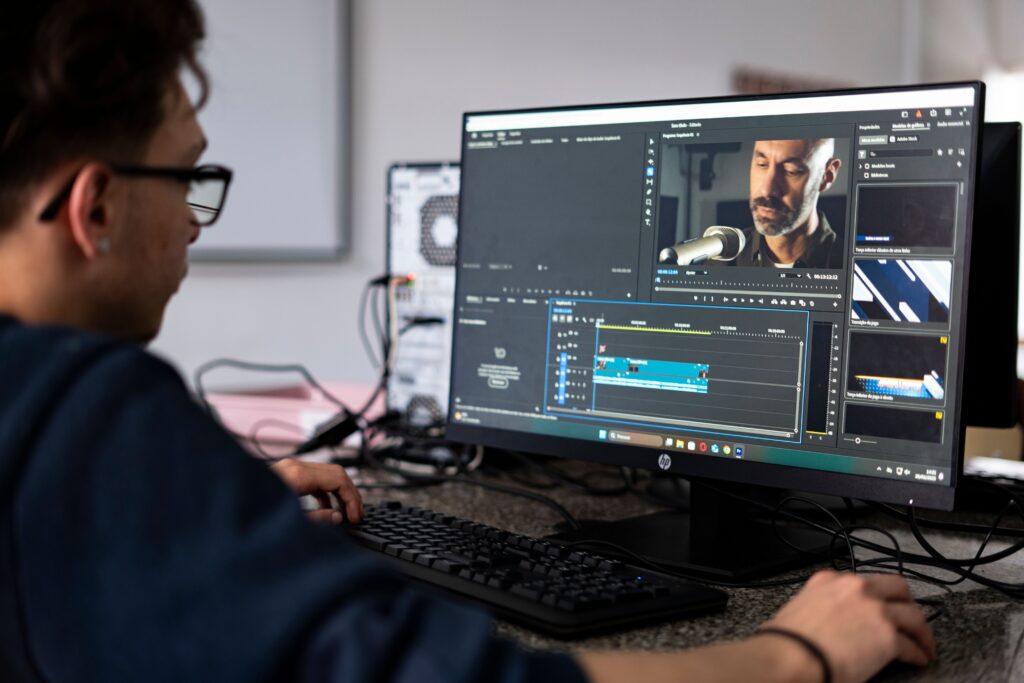
Video content is everywhere today. Whether you are creating YouTube videos, Instagram Reels, TikToks, business promotions, or online courses, good video editing can make your content stand out. The good news is that you don’t have to spend hundreds of dollars on expensive software to create high-quality videos.
Many free video editors now offer powerful features that were once available only in paid programs. They allow you to cut clips, add music, apply transitions, include text, improve colors, and export videos in high quality.
But with so many options available, you may wonder: What is the best free video editor for beginners and professionals?
The answer depends on your experience, your editing needs, and the type of content you create. In this guide, we’ll look at some of the best free video editing software and help you choose the right one.
Why Choose a Free Video Editor?
A free video editor is a great option if you’re just starting or want to save money. Many free editing programs offer everything you need for creating professional-looking videos.
Some benefits include:
- No expensive monthly subscription
- Easy learning for beginners
- Professional editing tools
- Support for HD and even 4K videos
- Regular software updates
- Great for YouTube, social media, and business videos
Many content creators start with free software before moving to paid versions.
1. DaVinci Resolve
DaVinci Resolve is one of the most powerful free video editors available today. It is trusted by YouTubers, filmmakers, and professional editors around the world.
Although it offers advanced editing tools, beginners can also learn it with practice.
Best Features
- Professional video editing
- Advanced color correction
- Audio editing tools
- Motion graphics
- Visual effects
- 4K video support
Best For
- YouTube creators
- Filmmakers
- Professional editors
- Business marketing videos
Pros
- Completely free with many professional features
- High-quality exports
- Excellent color grading
Cons
- Can feel difficult for complete beginners
- Requires a computer with good performance
If you want software that can grow with your editing skills, DaVinci Resolve is an excellent choice.
2. CapCut Desktop
CapCut has become one of the most popular free video editors because it is simple, fast, and packed with useful tools.
Originally designed for mobile devices, CapCut now has a desktop version that works well for beginners and content creators.
Best Features
- Easy drag-and-drop editing
- Auto captions
- Trending effects
- AI-powered editing tools
- Music library
- Social media templates
Best For
- TikTok creators
- Instagram Reels
- YouTube Shorts
- Beginner editors
Pros
- Very easy to learn
- Fast editing workflow
- Modern interface
Cons
- Some advanced features require an internet connection
- A few premium tools are paid
CapCut is one of the easiest video editors for people creating short-form content.
3. Shotcut
Shotcut is an open-source, free video editor compatible with Linux, Mac, and Windows.
It provides many professional editing tools while keeping everything completely free.
Best Features
- Wide format support
- Audio filters
- Video effects
- Timeline editing
- 4K editing
Best For
- Beginners
- Students
- Small businesses
Pros
- No watermark
- Completely free
- Regular updates
Cons
- Interface looks less modern
- Takes time to learn
Shotcut is a great choice if you want free software without hidden costs.
4. OpenShot
OpenShot is one of the easiest video editors for beginners.
Its clean layout makes it simple to cut videos, add music, include text, and create smooth transitions.
Best Features
- Drag-and-drop editing
- Unlimited layers
- Animated titles
- Video transitions
- Speed control
Best For
- New editors
- School projects
- Family videos
- Basic YouTube videos
Pros
- Beginner-friendly
- Free forever
- Easy installation
Cons
- Limited advanced editing features
- May slow down on very large projects
If you are editing your first video, OpenShot is an excellent place to start.
5. Kdenlive
Kdenlive is another powerful open-source video editor used by creators around the world.
It offers professional features while remaining completely free.
Best Features
- Multi-track editing
- Proxy editing
- Audio mixing
- Effects library
- Keyframe animation
Best For
- Intermediate editors
- YouTube creators
- Freelancers
Pros
- Powerful editing tools
- No watermark
- Frequent updates
Cons
- Learning curve for beginners
Kdenlive is ideal for users who want more editing control without paying for software.
6. iMovie (Mac Users)
If you own a Mac, iPhone, or iPad, iMovie is already available for free.
It is designed by Apple and provides a smooth editing experience.
Best Features
- Easy editing
- Cinematic templates
- Green screen support
- 4K export
- Built-in sound effects
Best For
- Apple users
- Beginners
- Personal projects
Pros
- Very easy to use
- High-quality exports
- Great performance
Cons
- Only available on Apple devices
- Fewer advanced tools than professional software
iMovie is one of the best free editors for Mac users.
How to Choose the Right Free Video Editor
Not every editor is right for every person. Before choosing one, think about what you need.
Ask yourself:
- Am I a beginner or experienced editor?
- What type of videos do I create?
- Do I need 4K editing?
- Will I edit long YouTube videos or short social media clips?
- Does my computer meet the software requirements?
Choosing software that matches your needs will save time and make editing easier.
Which Video Editor Is Best for Beginners?
If you are new to video editing, start with software that has a simple interface.
Good beginner options include:
- CapCut Desktop
- OpenShot
- iMovie (Mac)
- Shotcut
These programs let you learn the basics without feeling overwhelmed.
Which Video Editor Is Best for Professionals?
Professional editors usually need more advanced features for color grading, audio editing, visual effects, and multi-camera projects.
Top professional free options include:
- DaVinci Resolve
- Kdenlive
These programs provide tools that are suitable for high-quality commercial projects and professional video production.
Tips for Better Video Editing
No matter which editor you choose, following a few simple tips can improve your videos.
- Plan your video before editing.
- Remove unnecessary clips to keep the video engaging.
- Use smooth transitions instead of overusing effects.
- Add clear titles and subtitles.
- Choose background music that matches your content.
- Adjust brightness and colors for a cleaner look.
- Keep audio levels balanced.
- Export your video in the correct resolution for your platform.
Small improvements can make your videos look much more professional.
Conclusion
The best free video editor depends on your experience level and the type of content you create. If you want professional editing tools with advanced features, DaVinci Resolve is one of the strongest free options available. If you’re just starting and want something simple and fast, CapCut Desktop, OpenShot, or iMovie are excellent choices. For users who prefer open-source software, Shotcut and Kdenlive offer impressive features without any cost.
The good news is that you don’t need expensive software to produce great videos. With the right free video editor, a little creativity, and regular practice, you can create content that looks polished and professional. Try a few different editors, explore their features, and choose the one that fits your workflow best. As your skills improve, you’ll be able to create videos that capture attention and leave a lasting impression on your audience.