

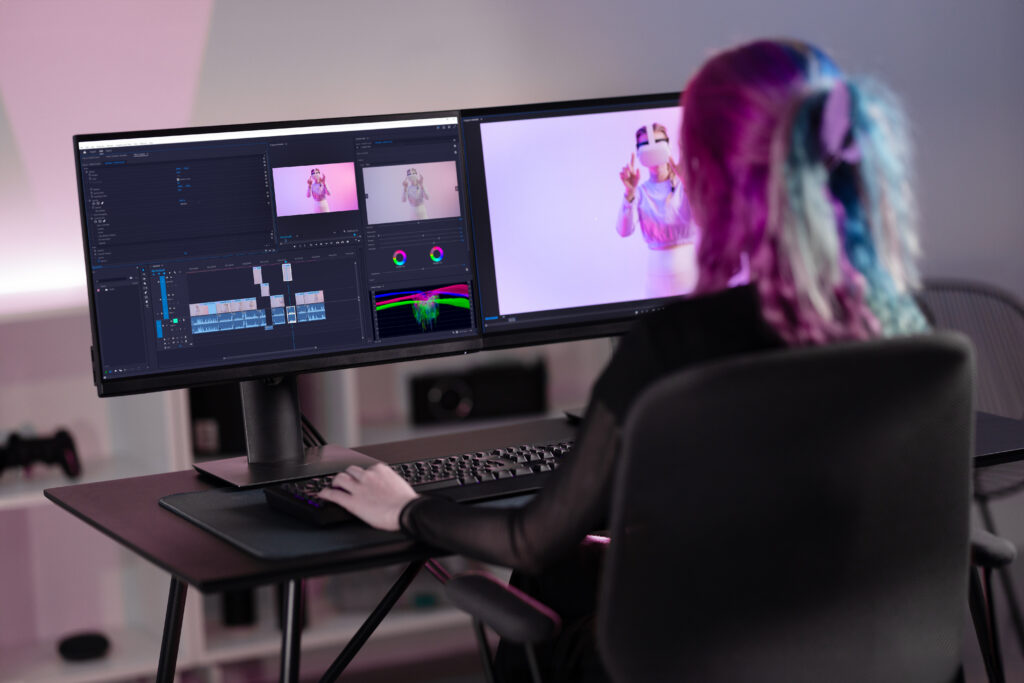
Starting video editing can feel confusing, especially when most professional editing programs look expensive and difficult to use. The good news is that many affordable and even free video editing software options are available for beginners. These tools help you create YouTube videos, social media content, short films, and business videos without needing advanced editing skills.
The best cheap video editing software should be easy to understand, have useful editing features, and work smoothly on your computer. Let’s look at some beginner-friendly options.
1. CapCut – Best Overall for Beginners
CapCut is one of the easiest video editing tools for beginners. It is popular among YouTube creators, TikTok users, and social media editors because of its simple design and ready-to-use features.
It offers features like:
- Video cutting and trimming
- Text and captions
- Filters and effects
- Background removal
- Music and sound effects
- AI editing tools
CapCut is a great choice if you want to make engaging videos quickly without learning complicated editing techniques.
2. Canva Video Editor – Best for Simple Content Creation
Canva is not only for designing images; it also has a simple video editor. It is perfect for beginners who want to create social media videos, presentations, ads, or promotional content.
With Canva, you can easily:
- Add animations
- Use templates
- Insert text and graphics
- Create professional-looking videos
It is especially useful for people who do not have much editing experience.
3. DaVinci Resolve – Best Free Professional Option
Many expert editors utilize the potent video editing program DaVinci Resolve. Although it has advanced features, beginners can start with basic editing and learn more over time.
It includes:
- Professional video editing tools
- Color correction
- Audio editing
- Visual effects
The free version is very powerful, but it may require a stronger computer compared to simpler editing apps.
4. Filmora – Best Affordable Paid Editor
Filmora is a good option for beginners who want more features without paying for expensive professional software. Its simple interface makes editing easier for new users.
Features include:
- Drag-and-drop editing
- Effects and transitions
- AI tools
- Audio editing
- Ready-made templates
Filmora is suitable for beginners who want to create high-quality videos without spending too much.
5. iMovie – Best for Mac and iPhone Users
If you use Apple devices, iMovie is a great free option. It has a clean interface and is easy for beginners to learn.
You can use it for:
- Basic video editing
- Adding music
- Creating trailers
- Simple effects
It is a good starting point before moving to more advanced editing software.
How to Choose the Right Video Editing Software?
Before choosing a video editor, consider your needs:
- For YouTube videos: CapCut, Filmora, or DaVinci Resolve are good choices.
- For Instagram and TikTok content: CapCut and Canva work well.
- For professional editing: DaVinci Resolve is a better option.
- For beginners with no experience: Start with simple tools like CapCut or Canva.
Is free video editing software good enough for beginners?
- Yes, free video editing software is good enough for beginners. Many free editors provide all the basic tools needed to create quality videos, such as cutting clips, adding music, inserting text, using transitions, and applying effects.
- For someone just starting, tools like CapCut, iMovie, and DaVinci Resolve offer enough features to learn video editing without spending money. They are useful for creating YouTube videos, Instagram content, short videos, and simple projects.
- As you improve your editing skills, you can decide whether you need advanced paid features, but free software is usually the best place for beginners to start.
Conclusion
The best cheap video editing software for beginners depends on what you want to create. If you need something simple and fast, CapCut is a great choice. For more creative designs, Canva works well. If you want to learn professional editing skills, DaVinci Resolve is worth trying.
Starting with an easy editor will help you build confidence and improve your video editing skills over time.